Web Filtering
Web Filtering Services
Block Web Threats Before They Reach Your Network
Your internal IT team knows your business best. But even the strongest teams hit capacity limits—projects pile up, security threats evolve, and day-to-day support pulls focus away from strategic work.
Co-Managed IT Services from NextGen Automation are designed to support your internal IT staff with additional expertise, tools, and coverage while keeping full control in your hands.
We work alongside your team as an extension of your IT department, providing backup, specialized skills, and extra bandwidth when and where you need it.
Why Web Filtering Matters
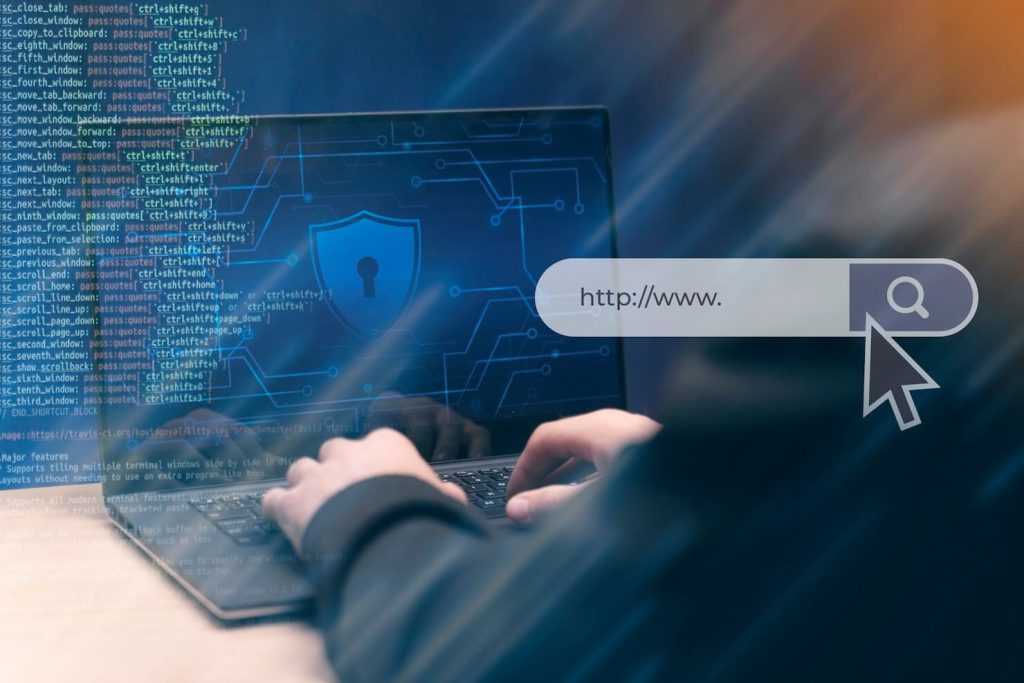
The internet is essential for business, but it’s also one of the biggest risk surfaces.
Without proper web filtering:
- Employees can unknowingly access malicious websites
- Drive-by downloads infect devices silently
- Phishing sites capture login credentials
- Inappropriate or risky content creates compliance issues
- Remote workers browse without protection
How NextGen’s Web Filtering Works
Our approach focuses on security and system usability rather than rigid restrictions. We aim to protect your network while ensuring your team has the access they need to remain productive.
Step 1. Web Risk and Usage Assessment
We begin by evaluating your organization’s current internet usage and security gaps. This includes:
Step 2. Category-Based and Threat-Based Filtering
We implement filters that block dangerous content without interrupting legitimate business workflows. Filtering capabilities include:
Step 3. Protection for Remote and Mobile Users
Security must remain consistent regardless of where your team is located. Our web filtering service:
Step 4. Visibility, Reporting and Policy Adjustments
We provide the data you need to understand your network’s security status without requiring constant manual oversight. Our reporting includes:
What’s Included with Web Filtering
NextGen’s Web Filtering services can include:
- Web risk assessment
- Malicious site and phishing protection
- Category-based content filtering
- Protection for remote and mobile users
- Integration with endpoint and firewall security
- Policy customization by role or department
- Usage visibility and reporting
- Ongoing monitoring and optimization

Why Businesses Choose NextGen Automation
Smart Protection, Not Overblocking
We focus on reducing risk, not frustrating users.
Built for Modern Work
Web filtering that works anywhere, anytime.
Proven Experience
Trusted by 10,000+ businesses over 26+ years.
Local, Accountable Support
Serving Alberta, British Columbia, Saskatchewan, and Manitoba with Canada-based experts.
Frequently Asked Questions – Web Filtering
1. What exactly does web filtering block?
Web filtering prevents access to known malicious websites, including those hosting malware, phishing schemes, and ransomware. It can also be configured to block specific categories of content that are inappropriate for the workplace or high-bandwidth sites that slow down your network.
2. Will this slow down my employees’ internet speed?
No. Modern web filtering happens at the DNS or cloud level, meaning the security check occurs almost instantaneously before the page loads. Your team will not notice a lag in their browsing speed, but they will be protected from visiting dangerous domains.
3. Does this work for employees who work from home or travel?
Yes. Our services are designed to protect devices regardless of their location. Whether an employee is on the office network, their home Wi-Fi, or a public hotspot, the same security policies apply, ensuring they remain protected from web-based threats everywhere.
4. Is this just for blocking non-work websites?
While you can use it to manage productivity, the primary goal is security. Even legitimate, well-known websites can sometimes be compromised by hackers to deliver drive-by downloads. Web filtering identifies these hidden risks and blocks the connection before the site can infect your device.
5. Can we customize what is blocked for different departments?
Yes. We can create flexible policies based on your needs. For example, your marketing team may need access to social media platforms, while other departments do not. We help you set granular permissions that balance security with the practical needs of each role.
6. How is this different from the security built into web browsers?
Standard browser filters are a good first step, but they are often easy to bypass and don’t provide centralized management. Our service offers a company-wide shield, detailed reporting on blocked threats, and more frequent updates to catch zero-day malicious sites that browsers might miss.
Do you have more questions?
We’re here to help
What Our Customers Say
“The service at NextGen Automation was the best! We were amazed at how quickly the technician was here and had everything going again for us. Thank you so much. I have tried other products that worked fine, but this one is certainly the best of them all. It brings efficiency to a new level of simplicity.”
“NextGen Automation makes it easy. Whether it be machine maintenance or toner orders they are a quick call away and very efficient!”
Reduce Risk Before a Click Becomes a Crisis
Most cyber incidents start with a simple web visit.
Web Filtering helps stop threats before damage is done, without slowing your team or overcomplicating security.
Our Technology Partners
Reliable collaboration depends on reliable technology.
NextGen Automation partners with industry leaders like Microsoft, Toshiba or HP, along with trusted infrastructure and security vendors, to deliver enterprise-grade solutions that integrate seamlessly with your existing environment.